D?p?t
MMX
Un chemin complet de zéro à une configuration Klipper multicolore fonctionnelle : fichiers, nomenclature, assemblage du matériel, câblage, configuration Happy Hare, calibrage, première impression et support.
v1.0ActifPackage de release finalKlipper
4 gatesConfiguration de gates document?e
Type-AArchitecture de s?lecteur par servo
EBB42Carte de c?blage de r?f?rence
Happy HareLogiciel Klipper MMU
Print settings
MMX is designed with tight functional tolerances. Before printing the parts, check Flow, Pressure Advance and Shrinkage / dimensional accuracy. Ideally, complete the full CN3D calibration overview first.
Use the current release notes first
The Printables release page is the latest source for the downloadable files and per-part print notes. The values below are only the documented baseline from the MMX build guide and should not override newer release notes.
| Setting | Documented baseline | Note |
|---|---|---|
| Layer height | 0.20 mm | Use for the standard build unless the release files say otherwise. |
| Wall count | 4 walls | Important around shafts, bearing seats and gates. |
| Top / bottom | 5 solid layers | Documented in the MMX build guide. |
| Extrusion width | Forced 0.40 mm | Keeps functional features predictable. |
| Infill type | Gyroid | Documented in the MMX build guide. |
| Material | Material Recommendations: PLA or PETG for camshaft & idler doors PETG or ABS for other components | Use the current release notes for the exact part package you download. |
| LED diffusers | Semi-transparent material | Needed for visible gate status LEDs. |
Before sending the print
- Download the newest STL / 3MF / CAD package from the official Printables page.
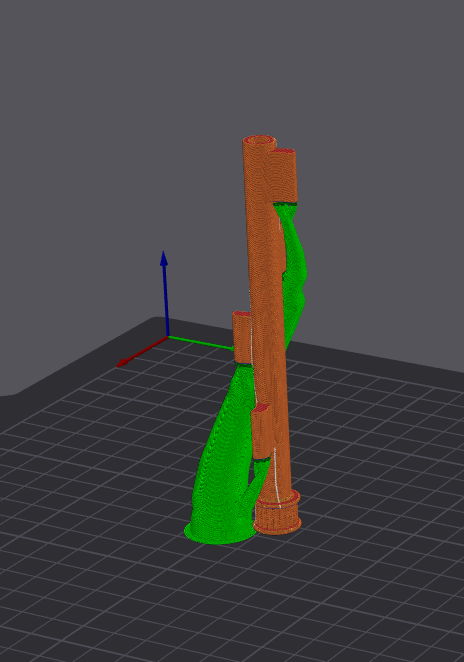
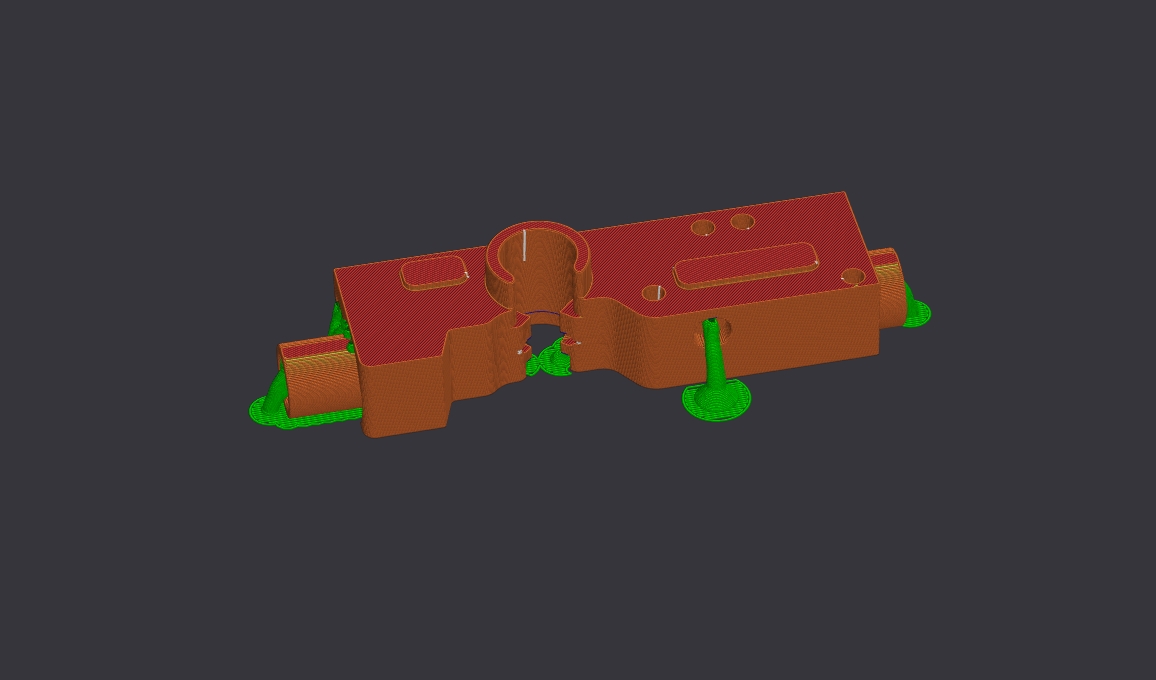
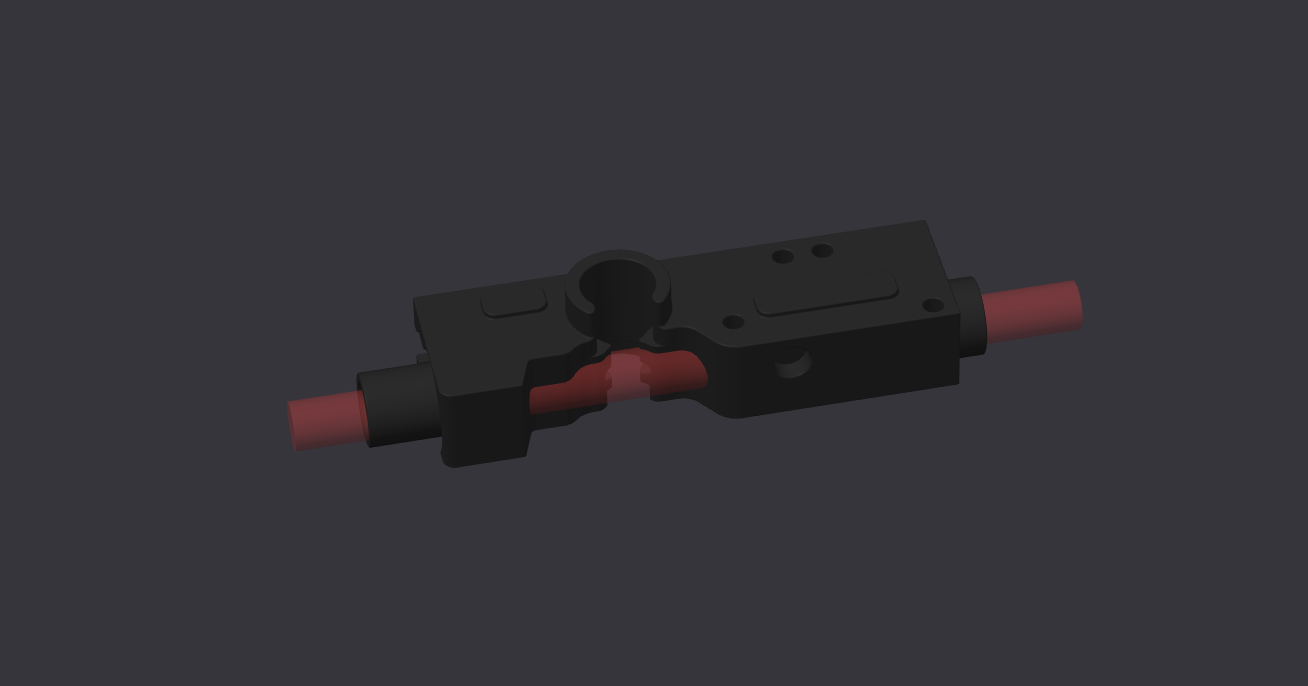
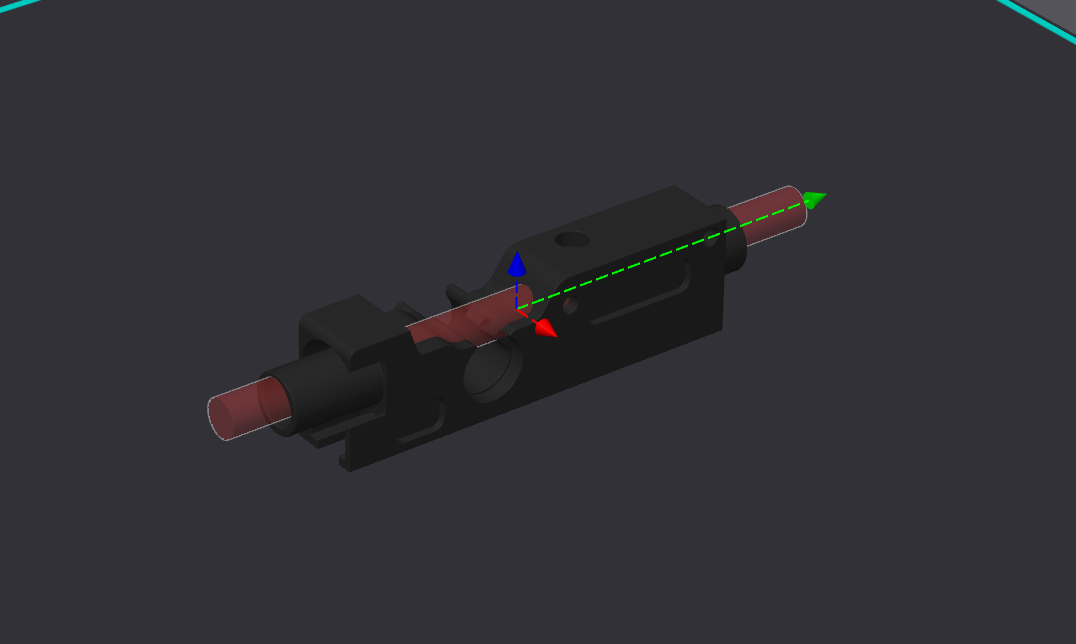
- Use the supplied 3MF where provided, especially for gates, because it can include support blockers for filament paths.
- Print for clean holes, clean bearing seats and smooth filament paths — not for maximum speed.
- After printing, test shaft holes, bearing seats, ECAS paths, idler movement and PTFE tunnels before final assembly.
Print orientation and support examples