Repository
MMX
Ein vollständiger Weg von Null bis zu einem funktionierenden mehrfarbigen Klipper-Setup: Dateien, Stückliste, Hardware-Montage, Verkabelung, Happy Hare-Konfiguration, Kalibrierung, erster Druck und Support.
v1.0AktivFinales Release-PaketKlipper
4 GatesDokumentiertes Gate-Setup
Type-AServo-Selector-Architektur
EBB42Referenz-Verdrahtungsboard
Happy HareKlipper-MMU-Software
Print settings
MMX is designed with tight functional tolerances. Before printing the parts, check Flow, Pressure Advance and Shrinkage / dimensional accuracy. Ideally, complete the full CN3D calibration overview first.
Use the current release notes first
The Printables release page is the latest source for the downloadable files and per-part print notes. The values below are only the documented baseline from the MMX build guide and should not override newer release notes.
| Setting | Documented baseline | Note |
|---|---|---|
| Layer height | 0.20 mm | Use for the standard build unless the release files say otherwise. |
| Wall count | 4 walls | Important around shafts, bearing seats and gates. |
| Top / bottom | 5 solid layers | Documented in the MMX build guide. |
| Extrusion width | Forced 0.40 mm | Keeps functional features predictable. |
| Infill type | Gyroid | Documented in the MMX build guide. |
| Material | Material Recommendations: PLA or PETG for camshaft & idler doors PETG or ABS for other components | Use the current release notes for the exact part package you download. |
| LED diffusers | Semi-transparent material | Needed for visible gate status LEDs. |
Before sending the print
- Download the newest STL / 3MF / CAD package from the official Printables page.
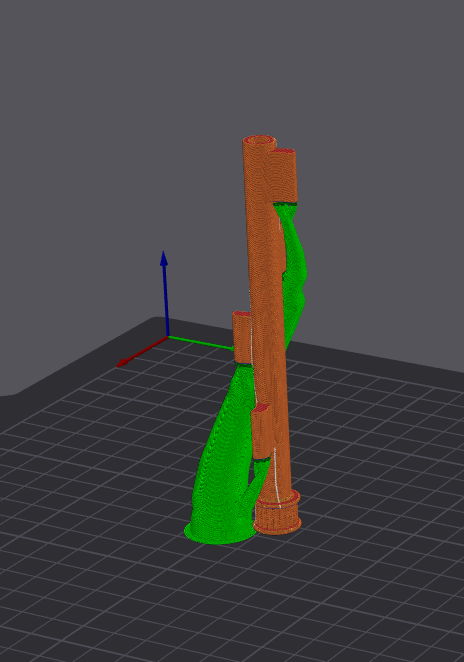
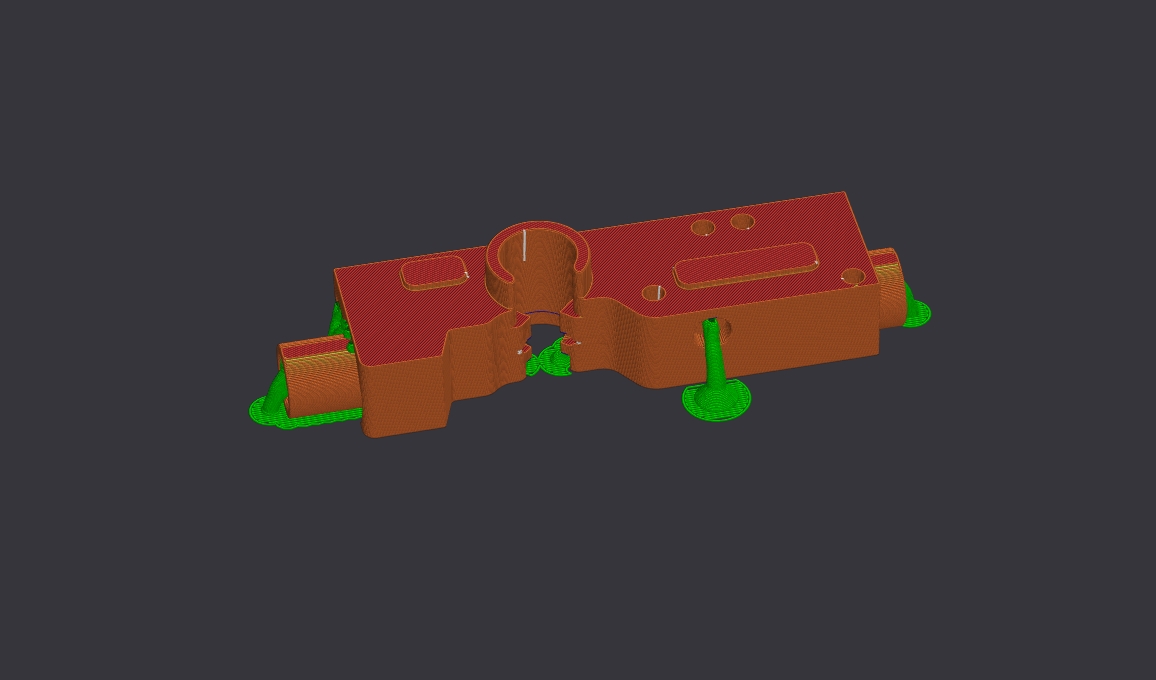
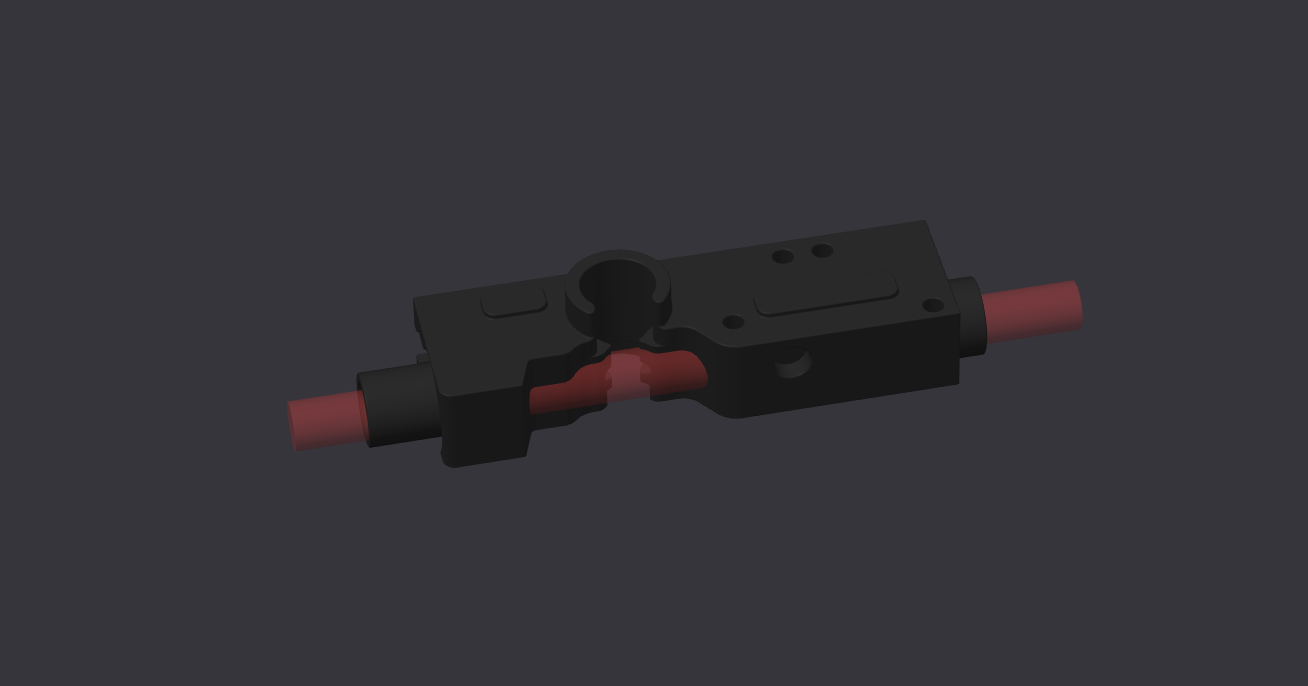
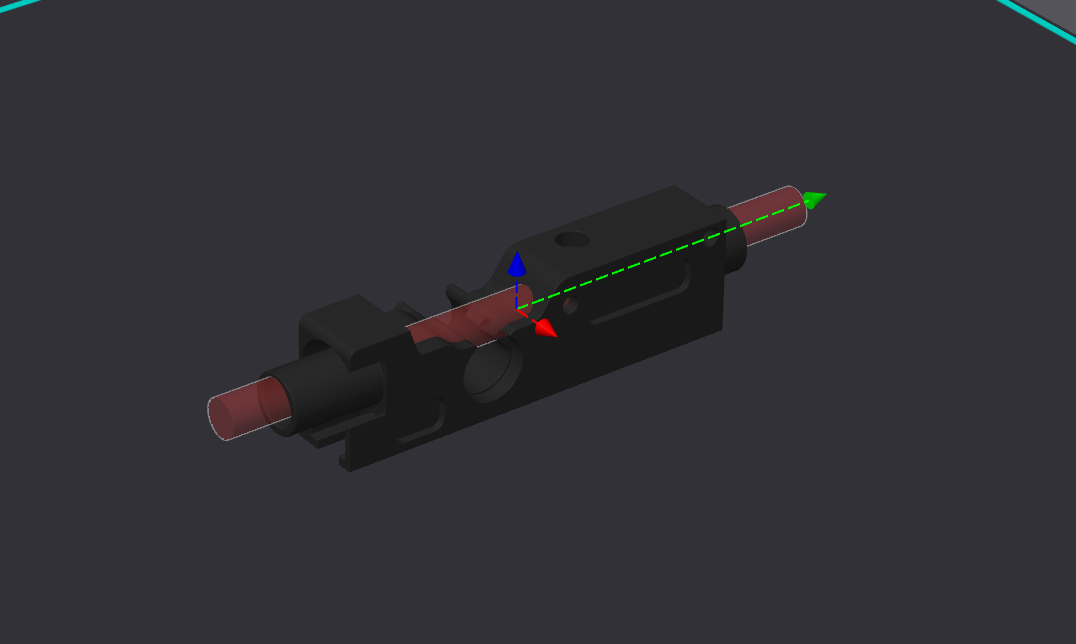
- Use the supplied 3MF where provided, especially for gates, because it can include support blockers for filament paths.
- Print for clean holes, clean bearing seats and smooth filament paths — not for maximum speed.
- After printing, test shaft holes, bearing seats, ECAS paths, idler movement and PTFE tunnels before final assembly.
Print orientation and support examples