MMX
Полный путь от нуля до работающей многоцветной установки Klipper: файлы, спецификация, сборка оборудования, проводка, конфигурация Happy Hare, калибровка, первая печать и поддержка.
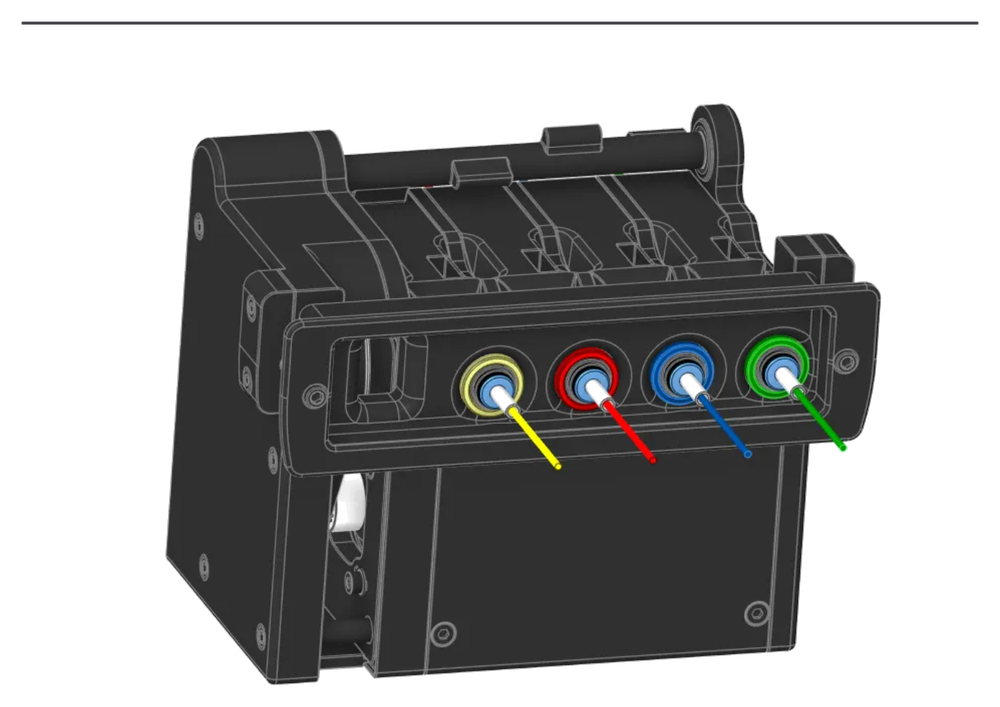
Обзор
????????? ?????MMX ??????????? ??? ??????????? ???????: ??????? ??????, ?????? ??????, ???? ??????, ????? ???????, ???? ????????? ? ???? ??????. ???????????? ???????????? ???????? ?????????? ????????? ??????????.
Build path from zero to multicolor
This hub is built as a guided path. A new builder should be able to start with raw parts and finish with a MMX setup that loads gates, changes filament and prints a first multicolor test without hunting through Discord messages.
Download and prepare files
Get the latest STL/3MF/CAD package from Printables and read the current release notes before printing.
Calibrate the printer before printing MMX
At minimum check Flow, Pressure Advance and Shrinkage. Ideally complete the full CN3D calibration overview first.
Collect the hardware
Use the BOM checklist for belts, shafts, bearings, magnets, EBB42, MG996 servo, NEMA 17, ECAS fittings, LEDs and fasteners.
Assemble the MMX
Follow the mechanical sequence: inserts, rods, gates, idlers, gears, camshaft, servo, stepper, belts, LEDs and panels.
Wire and test hardware
Wire the EBB42 pinout, then test every pre-gate sensor and the toolhead sensor before software calibration.
Install and configure Happy Hare
SSH into the Klipper host, clone Happy Hare, run the interactive installer, select MMX and configure the generated files step by step.
Calibrate selector and gear
Calibrate the servo selector visually because MMX has no camshaft zero mark, then calibrate the gear stepper with a measured 100 mm move.
Run the first multicolor test
Create MMX Orca profiles, verify the generated filament-change G-code, run slowly first and tune purge only after loading is reliable.
Core sections
Print settings
Short tolerance warning, calibration link and documented print baseline.
BuildAssembly
Hardware build broken into readable stages instead of one long PDF.
HHHappy Hare
SSH, clone, installer choices, pins, sensors, selector type and software checks.
OGSerial Request
Submit proof of a working MMX build and request an official MMX OG serial number.