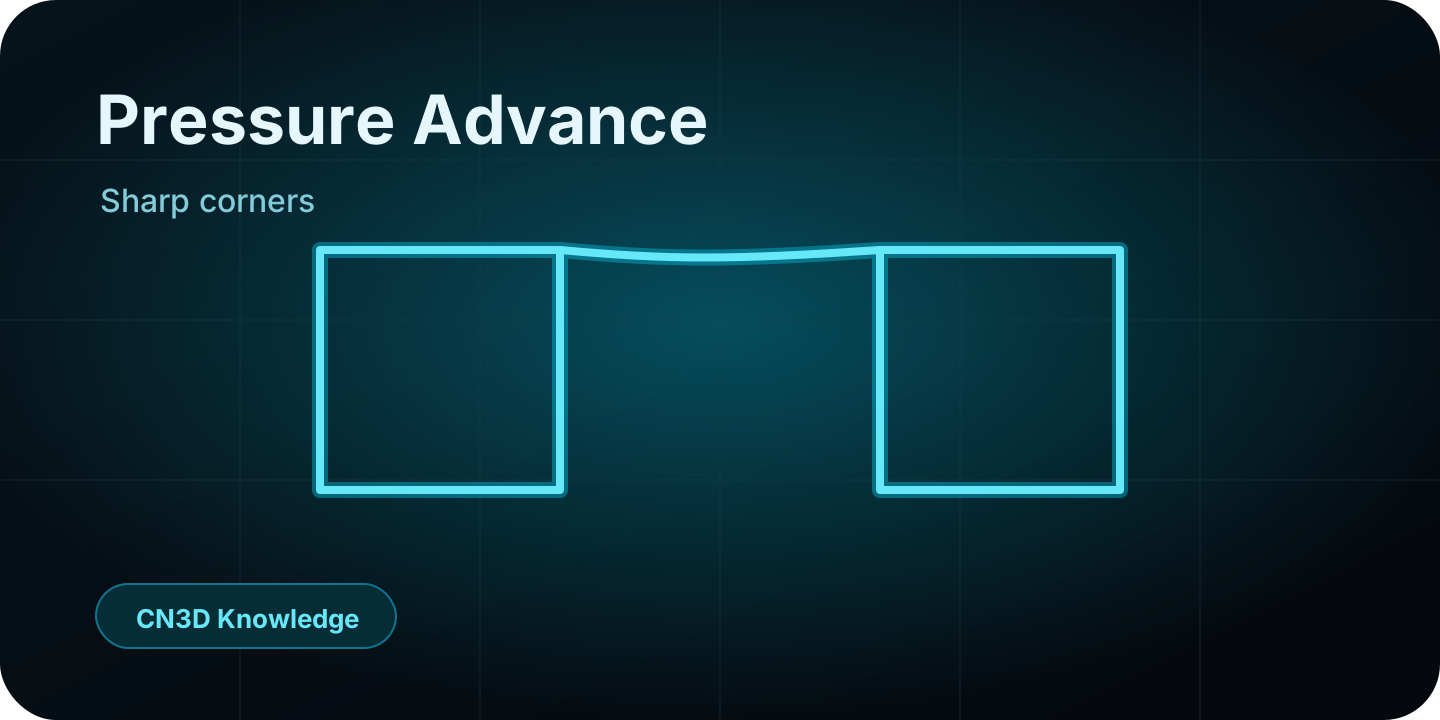
The pressure problem
Extrusion is not instant. When the printer accelerates, slows down or turns a corner, pressure inside the nozzle does not change immediately. The hotend keeps pushing material based on pressure that was built moments earlier.
Why corners bulge
When the toolhead slows for a corner, pressure is still high. The nozzle spends more time in that area while extra material continues to flow, producing rounded or swollen corners.
What Pressure Advance does
Pressure Advance changes extrusion before speed changes. It reduces extrusion before slowdowns and increases it before accelerations, so the actual material flow matches the motion more closely.
PA is predictive, retraction is reactive
Retraction deals with pressure before travel moves. Pressure Advance deals with pressure during printing moves. They are related, but they solve different symptoms.
Why calibration order matters
Do not tune PA before temperature and max volumetric flow. Temperature changes viscosity, and flow limits change how the hotend behaves under load. If those are not known, the PA value can be misleading.
Material dependency
PLA, PETG, ASA, ABS and TPU can all need different PA values. Softer or more elastic materials usually need different pressure compensation than stiff filaments.
CN3D takeaway
Pressure Advance is not a magic quality slider. It is a compensation value for pressure lag. Calibrate it after temperature and flow limits, then use it to clean up corners, line starts and line endings.
Usa esto en el flujo CN3D
Este artículo es parte del sistema más amplio de calibración y diagnóstico. Lee el concepto y luego aplícalo con la calculadora o el flujo diagnóstico.